Your WordPress site started simple. Then you installed a booking plugin. Then a CRM plugin. Then a membership plugin, a payment plugin, an SEO plugin, and a caching plugin to fix the slowness caused by all the others. Each one adds JavaScript, CSS, database queries and another way in for attackers. The site takes five seconds to load. Updates break things. And you're paying $50 to $200 a month for each one.
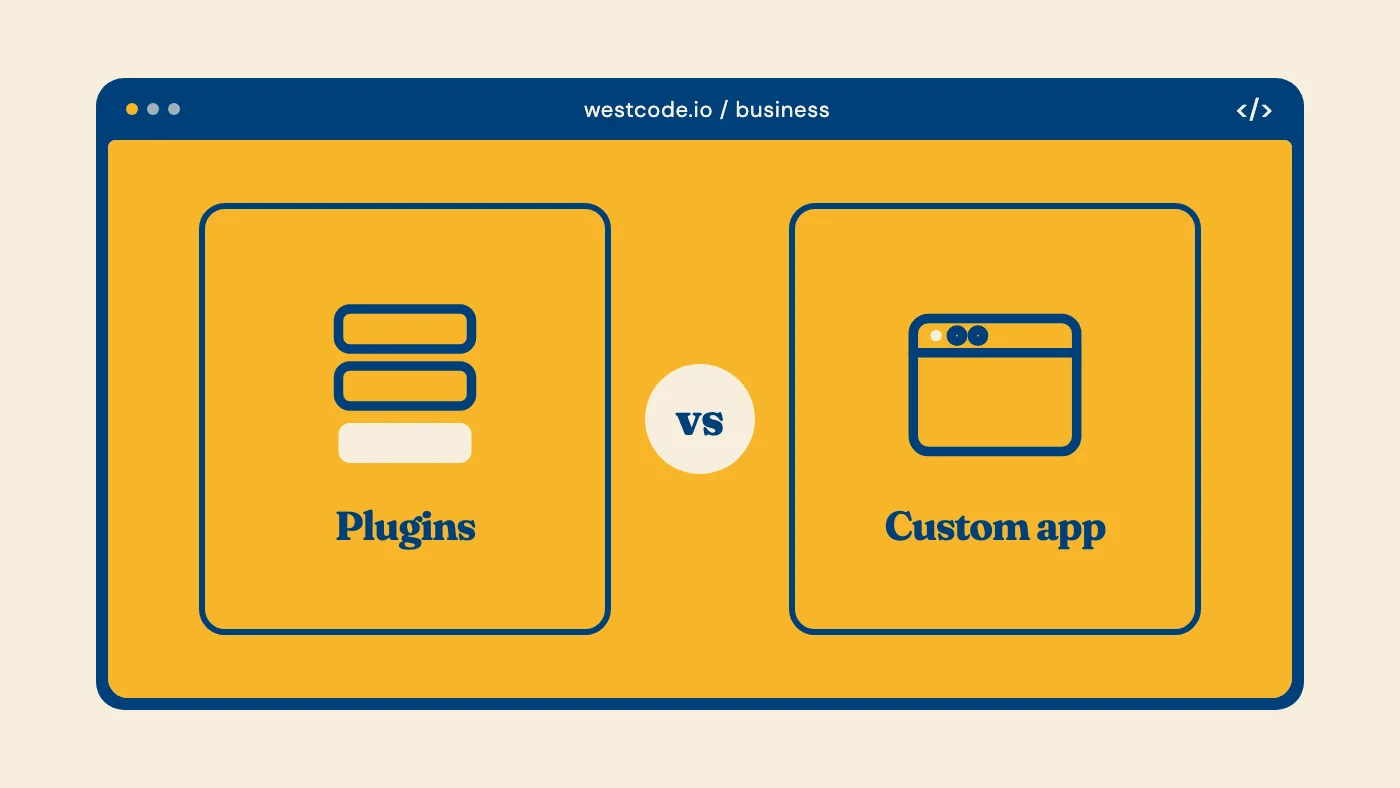
This isn't a WordPress problem. It's a square-peg-round-hole problem. You are trying to build a custom business system out of generic off-the-shelf parts. Here is how to tell when you've crossed that line, and what the alternative looks like.
The Plugin Tax
Every WordPress plugin you install comes with hidden costs:
Performance. Each plugin adds server-side processing and client-side JavaScript. Ten plugins can easily add 2 to 3 seconds to your page load time. That directly hurts SEO and conversions.
Security. Plugins are the number one attack vector for WordPress sites. The more plugins you run, the larger your attack surface. When a plugin has a vulnerability, every site using it is exposed.
Compatibility. Plugins are built independently. They do not know about each other. When WordPress updates, or when Plugin A updates and breaks Plugin B, you are stuck debugging someone else's code.
Vendor lock-in. Your business logic lives inside plugins you do not control. If the plugin developer abandons the project, raises prices, or changes features, you are stuck.
When Plugins Work Fine
Plugins are excellent for adding standard functionality to a content site. A contact form, social sharing buttons, basic SEO meta tags, image optimization. These are commodity features that do not need custom engineering.
If your website is primarily a content platform, a blog, a portfolio, a brochure site, WordPress with a handful of well-maintained plugins is a solid choice.
When You Need a Custom Application
The tipping point comes when your business requires functionality that is specific to how you operate. Here are the signs:
You are duct-taping multiple plugins together. If you need your booking system to talk to your CRM which triggers an email sequence which updates your dashboard, you are building a custom system anyway. You are just doing it badly with plugins.
Your workflow has unique logic. A legal marketplace that matches clients to lawyers based on specialization, location, and availability. A dinner networking platform that curates 5-person tables. An AI phone agent that qualifies plumbing leads. These are not plugin problems.
You need real-time data. Dashboards, analytics, live updates, collaborative features. Plugins serve static pages. Applications serve dynamic experiences.
Performance is critical. If your users expect fast, app-like interactions, plugins cannot deliver that. A custom application built with modern frameworks handles complex operations in milliseconds.
What a Custom Web App Actually Looks Like
A custom web application is not a website with extra features. It is software built specifically for your business.
The tech stack is modern. We use frameworks like Nuxt 4 and Next.js 14 for the frontend, Supabase or Firebase for the backend, and Vercel for deployment. These are the same tools used by companies like Stripe, Notion, and Linear. For a deeper breakdown of why we pick this stack, see our SaaS tech stack picks for 2026.
The architecture fits your business. Instead of cramming your workflow into someone else's plugin, we design the data model, the user flows, and the business logic around how you actually operate.
It scales with you. Need to add a new feature in six months? A custom application has clean architecture that makes that straightforward. With plugins, adding features means finding yet another plugin and hoping it plays nice.
You own it. No monthly plugin fees. No vendor dependency. No risk of a plugin developer going out of business and taking your functionality with them.
Real Example: Wrinkle.law
We built Wrinkle.law, a two-sided legal marketplace, as a custom web application. It matches clients needing legal help with qualified lawyers using AI-powered categorization and a weighted scoring algorithm.
This system has 7-step lawyer onboarding, lead management dashboards for three user types, shortlist comparison, automated email notifications, and admin configuration editors. Try building that with WordPress plugins.
The result is a fast, secure, scalable platform that does exactly what the business needs. No plugin conflicts, no performance issues, no duct tape.
The Cost Question
A custom web application costs $8,000 to $25,000 depending on complexity, compared to $0 to $3,000 for a WordPress site with plugins. If you're going further and building a true SaaS product on top, our SaaS development cost guide for Canada breaks down what that fuller scope actually runs.
But the comparison is wrong. You are not comparing a website to a website. You are comparing a generic tool to a purpose-built system.
The real question is: what is the cost of not having the right tool? How many hours does your team waste on manual workarounds? How many leads fall through the cracks? How much revenue do you lose because your systems cannot keep up with your growth?
Making the Decision
Stick with plugins when:
- Your needs are standard (contact forms, basic e-commerce, blogging)
- Your workflow does not require custom logic
- Your budget is under $5,000
- You do not depend on integrations between multiple systems
Go custom when:
- You are stitching together 5 or more plugins to replicate a workflow
- Your business logic is unique to your industry or operation
- You need real-time data, dashboards, or collaborative features
- Performance and security are non-negotiable
- You plan to scale and need a foundation that grows with you
If you're spending more time managing plugins than serving customers, it's worth a conversation. Tell us what the site has to do and we'll give you an honest read on whether a custom application makes sense, or whether a plugin cleanup would do.