Before choosing an AI tool, write down the task. What arrives, what decision is made, which systems are involved and what happens next? A precise workflow makes the build-or-buy decision much easier.
Some tasks need a connection between systems. Others need language interpretation. Some need a person. Separating those jobs prevents an impressive demo from becoming an expensive process nobody trusts.
Compare three realistic options
| Option | A good reason to consider it | What to check |
|---|---|---|
| Existing product | It already handles your main workflow | Data access, permissions, export and recurring fees |
| Integration between existing tools | The information exists but people move it manually | API availability, failure handling and duplicate records |
| Custom AI feature | The task needs interpretation that existing tools do not handle well | Representative examples, review, evaluation and ongoing ownership |
Buying software still requires setup and operational decisions. Building software still depends on providers and integrations. Compare the complete process, not only the first demo or monthly subscription.
Test with examples from the real job
Collect ordinary cases and awkward ones: missing information, unusual wording, conflicting instructions and requests outside the intended scope. Remove information that should not be shared with the system under evaluation.
Define success before running the examples. For an inquiry-routing assistant, useful criteria could include choosing the correct destination, identifying missing details and leaving uncertain cases for review. Fluent wording alone is not enough.
Start with a reversible step
A first release might prepare a draft, suggest a category or gather relevant information. Let a person inspect the result before it sends a message or changes a business record.
Define who reviews exceptions and how they recover from a mistake. A tool that saves time in normal cases can create more work if errors are difficult to find or correct.
Connect the information the task needs
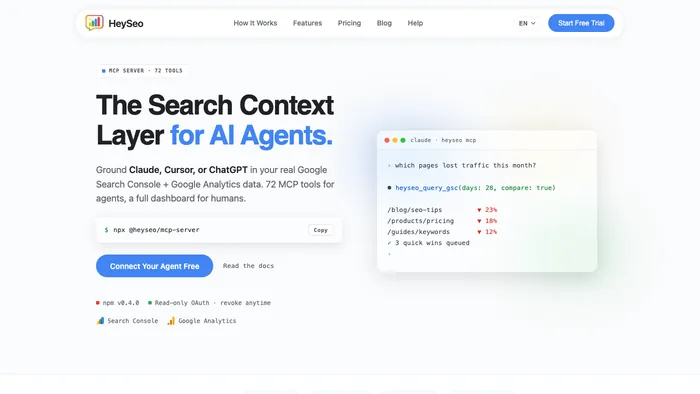
Our HeySEO build story describes bringing search and analytics context into AI tools. The principle applies more widely: useful output depends on access to relevant information and a clear task.
That does not mean giving an assistant access to everything. Choose the narrowest permissions that let it do its job, and distinguish reading information from taking action.
Compare the ongoing costs
Include provider usage, integrations, hosting where needed, evaluation, support and the time spent reviewing output. Ask what changes when volume grows and what happens if a provider changes a model, price or API.
A useful comparison covers the same workflow and volume on both sides. An inexpensive product that fits well may be the best choice. A custom feature may be justified when the repeated work or integration constraints are specific enough.
Run a pilot with an exit condition
Choose one workflow, representative examples and a small group of users. Record the current effort and the proposed success measure. Decide in advance when to expand, revise or stop.
Keep the existing process available during the pilot. The goal is to learn whether the new system earns its place in daily work, including the exceptions.
What to bring to a workflow review
Describe the task, show the systems it touches, estimate its volume and explain the expensive mistakes. We can use that information to compare a product, an integration and a custom build. You do not need to decide that AI is the answer before starting the conversation.