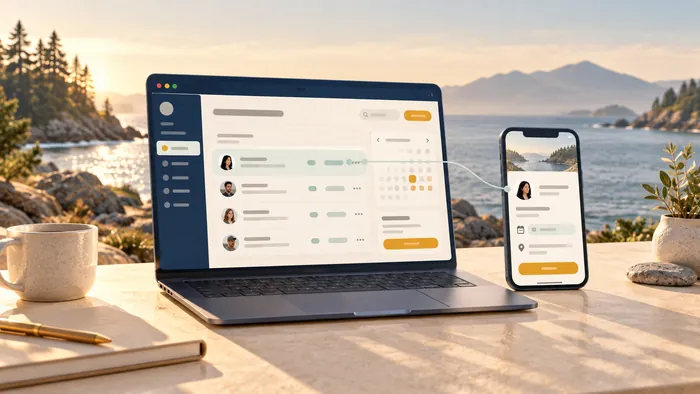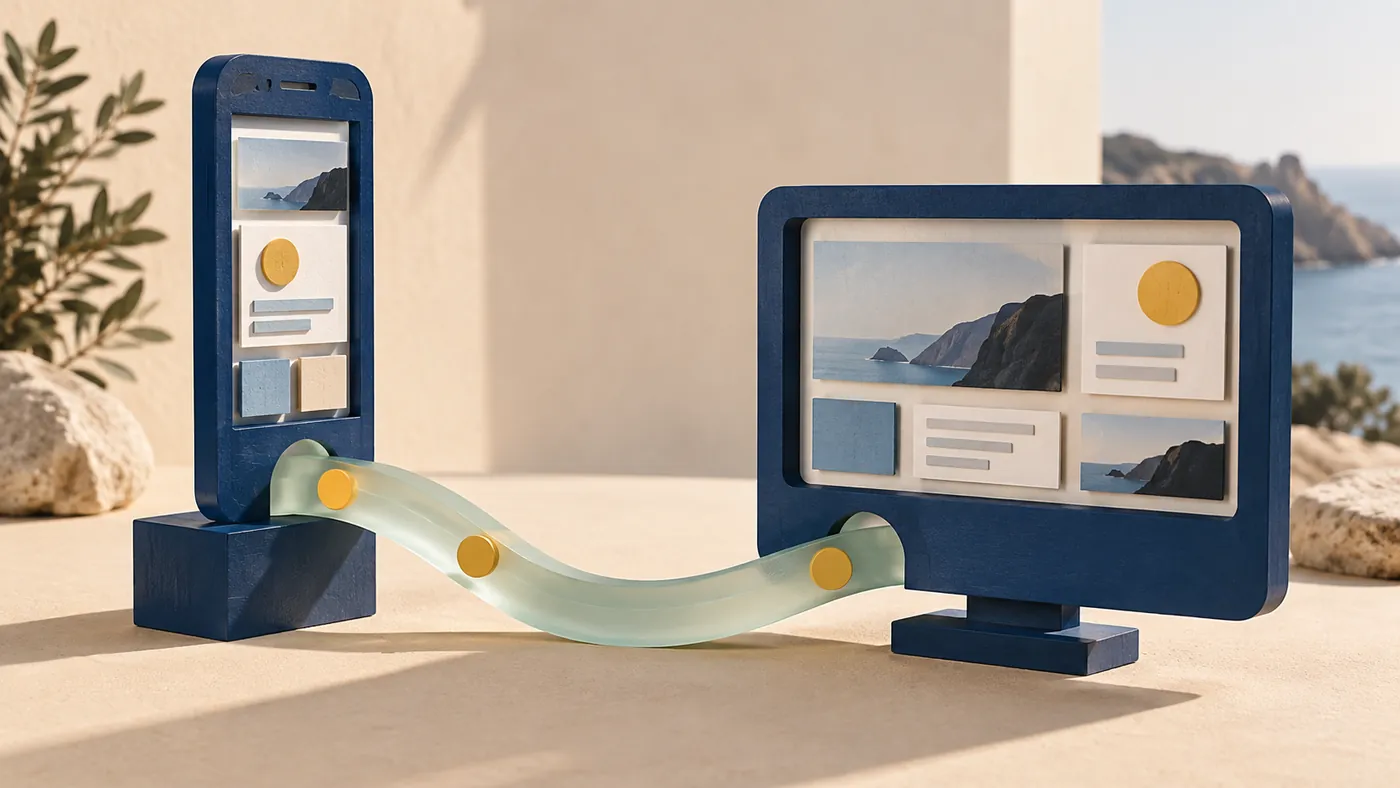
These terms describe different decisions. A web app or mobile app describes how someone uses the product. SaaS describes how software is delivered as a service. A SaaS product can have both a browser experience and a mobile app.
Start with the user's job, the place they do it and how frequently they return. Then decide what belongs in the first release.
Compare the experience you need
| Starting point | Useful when | Questions to resolve |
|---|---|---|
| Responsive web app | People should follow a link and start using it on different devices | What happens on narrow screens or a weak connection? |
| Progressive web app | Installation or offline behavior could improve a web experience | Which capabilities work on your customers' actual browsers? |
| Mobile app | Frequent use or device integration warrants an installed experience | Who handles releases, store requirements and device testing? |
| SaaS service | Customers need ongoing access to a hosted product | How do accounts, billing, permissions and support work? |
A progressive web app can add installability and offline behavior using web technologies. Capabilities vary by platform and need testing; MDN's PWA documentation is a useful starting point.
Begin with one complete journey
Write a short sequence in ordinary language. For example: a member joins, pays, chooses an event and receives confirmation. Each step exposes questions about data, eligibility and what happens when something fails.
Build that journey before adding several loosely connected features. The first release should let you observe whether people can complete the job and whether the team can support them.
Include the operational side
Customer screens are only part of a product. Someone may need to review applications, correct a booking, handle a refund or answer a support request. Those actions need appropriate permissions and a clear record of changes.
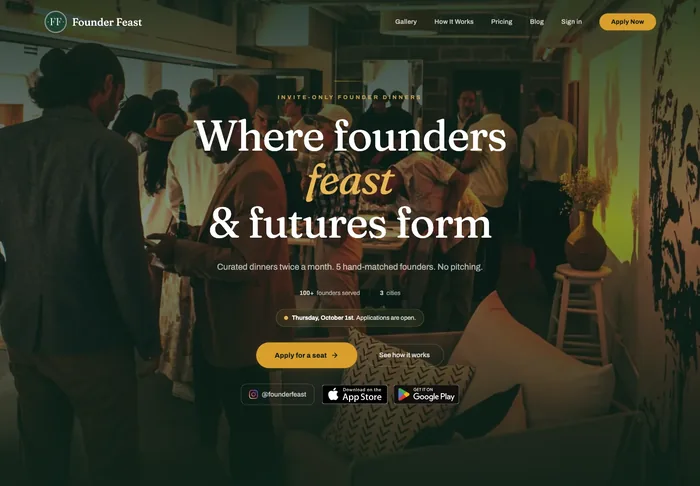
The Founder Feast build brings applications, payments and event management into one platform. The admin experience supports the same journey as the public website. It is a useful example of why the budget should cover the people operating the service too.
Treat access and billing as product decisions
If customers subscribe, establish what each plan permits and what happens after cancellation, failed payment or a plan change. A payment provider handles parts of the transaction; your product still needs to apply the correct access rules.
Stripe's Billing documentation illustrates the subscription and invoicing capabilities available from a provider. The integration still has to fit your service and its exception cases.
Device features should earn their place
An app may be justified by frequent use, camera workflows, location-related behavior or a particular offline requirement. Test the necessary capability on representative devices before treating a platform choice as settled.
For Modern Cue Club, membership and planned venue access are connected concerns. The architecture needs to account for eligibility and booking windows as well as what appears on a phone. The membership website is live; the wider venue and access experience is in development.
Choose the smallest useful first release
Document the users, core journey, integrations and conditions that could interrupt it. Compare a browser-first version against an installed app using those requirements. Decide how success will be observed: completed bookings, repeat use, fewer manual steps or another specific outcome.
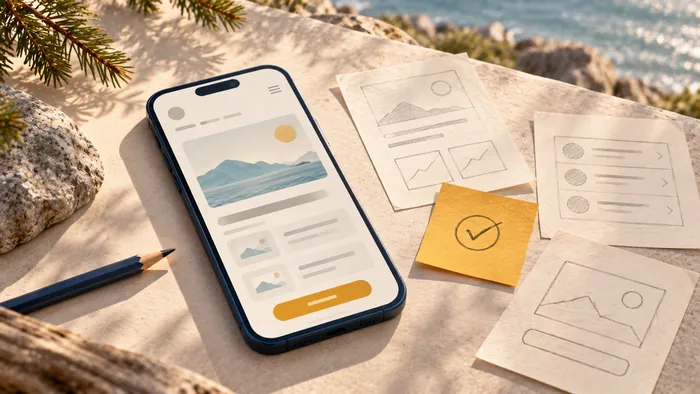
A clickable prototype can test whether the journey makes sense before investing in production integrations. It cannot establish payment reliability, offline behavior or operating costs; those need separate checks.
The right first build is the one that can be used, supported and improved with the resources available. It should leave room to learn without asking customers to work around missing essentials.